What is LED Screen and How to Choose the Best One?
LED Screens have revolutionized the way we experience visual content. These displays are now common in various settings, from homes to large venues. Their vibrant colors and clarity make them an attractive option for many applications. Yet, choosing the right LED screen can be challenging.
When selecting an LED screen, several factors must be considered. Size, resolution, and brightness are crucial aspects that affect performance. Larger screens provide a more immersive experience, but space constraints can limit options. High resolution is key for detailed imagery, while brightness impacts visibility, especially in well-lit areas.
It can be overwhelming to navigate the market's vast offerings. Some screens may not meet quality expectations. Researching brands and reading reviews can help you avoid common pitfalls. Understanding your specific needs enhances the buying experience. In a world filled with choices, finding the perfect LED screen requires careful thought and reflection.
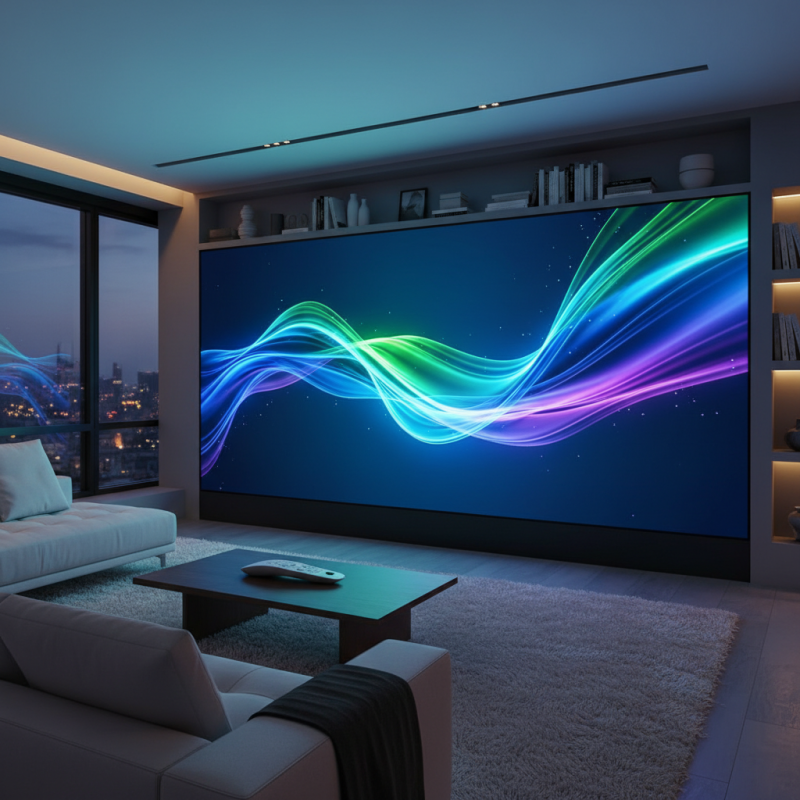
Understanding LED Screens: Definition and Key Features
LED screens have transformed how we experience visuals. These screens provide bright, vibrant colors and exceptional clarity. Their definition lies in using light-emitting diodes to create images. Unlike traditional displays, LED screens consume less energy and are more durable.
Key features of LED screens include resolution, refresh rate, and panel type. High resolution ensures sharp images, while a higher refresh rate delivers smoother motion. Different panel types, like OLED and QLED, offer varied viewing experiences. Consider these aspects when shopping for LED screens.
**Tips:** Check the brightness level. It affects visibility in different lighting. Assess viewing angles; a poor angle can distort colors. Lastly, stay updated on new technologies. They can enhance functionality and performance. Often, what seems perfect might not meet all your needs. Reflect on features that matter most for your use case.
What is LED Screen and How to Choose the Best One?
| Feature | Description |
| Definition | An LED screen is a flat panel display that uses light-emitting diodes (LEDs) to produce images. |
| Brightness | Measured in nits, the brightness of an LED screen affects visibility in various lighting conditions. |
| Resolution | Refers to the number of pixels displayed, higher resolution provides clearer images. |
| Pixel Pitch | The distance between pixels; smaller pitch allows closer viewing distances. |
| Viewing Angle | The maximum angle at which the display can be viewed without distortion. |
| Lifespan | LED screens have a long lifespan, typically ranging from 50,000 to 100,000 hours. |
| Applications | Used in advertising, entertainment, information displays, and more. |
Types of LED Screens: Indoor vs. Outdoor Applications
LED screens come in various types, each suitable for different environments. Indoor and outdoor LED screens serve distinct purposes. Indoor screens typically have a higher pixel density, offering clearer images in small spaces. They are ideal for events, retail, and presentations. Outdoor screens need to withstand weather conditions. They are brighter to combat sunlight and often have a more rugged design.
Choosing the right LED screen requires careful consideration. For indoor use, prioritize resolution and size. A higher pixel count means sharper images. For outdoor screens, brightness and durability are key factors. Make sure the screen can endure rain or intense sunlight.
Tips: Always assess your specific needs before purchasing. Gather input from experts or peers in your field. Evaluate viewing distance and placement for the best results. Test the screen in real-world conditions if possible. Focus on quality over features. Sometimes, less is more.
Factors to Consider When Choosing an LED Screen
When choosing an LED screen, there are several factors to consider to ensure you make the right choice. One key aspect is the pixel pitch, which determines the screen’s resolution. A smaller pixel pitch leads to higher resolution and clarity. This is crucial for viewing from close distances. Higher quality images can significantly enhance the viewer's experience during presentations or events.
Another important consideration is brightness. If the screen will be used outdoors or in well-lit environments, a higher brightness level is essential. Screens with lower brightness might appear washed out, leading to poor visibility. Think about where you will place the screen. Will it face direct sunlight? Knowing this helps you choose the right specifications.
Don't forget about the lifespan and durability of the screen. LED screens can vary in longevity based on components. It's important to choose a screen built for your specific usage. Some might need improvements over time, and that could impact your budget. Reflecting on these factors will ensure you make a more informed decision.
Comparing LED Screen Brands and Models
When choosing an LED screen, it’s essential to consider various brands and models. Different brands offer unique features, yet not all are created equal. A recent industry report highlights that approximately 54% of users find resolution and brightness to be the top factors influencing their purchases. This finding underscores the importance of quality specifications over marketing claims.
Brightness is often measured in nits. Screens with at least 1,000 nits are suitable for outdoor use. Conversely, indoor displays can operate well with 300-500 nits. Additionally, color accuracy matters greatly. Many professionals rely on screens with a color gamut covering at least 90% of SRGB. This ensures that images and videos appear vibrant and true to life.
Another crucial aspect is the warranty and support offered by brands. Many users expect continued support beyond the initial purchase. A survey indicated that 68% of consumers prefer models with at least a three-year warranty. Models with limited support can lead to frustrations long after the purchase. It’s critical to weigh these factors carefully before making a decision. Each brand's strengths and limitations should be considered in the context of personal needs and use cases.
Comparison of LED Screen Features Across Different Models
Maintenance and Care Tips for LED Screens
LED screens are a great investment, but they require proper care. Regular maintenance ensures longevity and optimal performance. One key tip is to clean the screen gently. Use a microfiber cloth to wipe the surface. Avoid abrasive materials that can scratch the screen.
Checking the connections regularly is essential. Loose cables can lead to display issues. Ensure that all cables are secure and not damaged. Monitor for any flickering or unusual colors. If problems arise, consult with a professional.
Temperature control matters too. Excessive heat can shorten the screen’s lifespan. Keep the screen in a well-ventilated area. Avoid placing it near heat sources. Balancing brightness settings helps reduce strain. These small efforts can make a big difference. Remember, preventative measures are better than dealing with repairs later.